The Social Giraffe
Pinners are Planners Toolkit

Plan your Pinterest once a month. Let it bring you traffic all year.

The planner, templates and trackers behind The Social Giraffe's Pinterest strategy, ready for you to use. Marketing that works while you don't.

Sound familiar?

You know Pinterest works. You just never know what to pin next.

You sit down to pin and it's a blank page again. Which content this week? Which keywords? Which board first? And is any of it actually working?

I know how disheartening it is when you start pinning straight away and don't see results. Pinterest is a long-term strategy. Traffic and email sign-ups build gradually, and consistency is the key.

It also rewards the people who plan ahead. Seasonal content needs to go out 45 to 90 days before the moment it's for, so if you're pinning Christmas ideas in December, you've already missed it.

That's why I made the Pinners are Planners Toolkit. It's a treasure trove of my tried and tested resources, laid out in simple steps you can follow each month. All without dancing on Reels or being glued to your phone.

What you get

What's inside the Toolkit

Six resources that take you from a blank page to a plan you can actually follow.

01
The Pinterest Planner
Download it into Goodnotes or Noteshelf and keep all your content ideas and inspiration in one place, all year round.
02
Trends & Content Calendar
A month-by-month spreadsheet of holidays, trends and content ideas, set two months ahead so you're always pinning on time. Add your own brand dates too.
03
Strategy Template & Account Checklist
Make sure your business account is fully optimised, then map out your strategy. Works for your own business or for clients if you offer Pinterest services.
04
Keyword Tracker
A ready-made tracker with tabs for niches from parenting to food inspo, plus three simple ways to research the keywords that get your pins seen.
05
Data Tracking Sheet
Track how your pins perform across organic and paid campaigns, so you know what's working and what to do more of.
06
Content Vault
Canva templates to help you create your pins, plus the specs for standard, video and carousel pins: sizes, file types and how many characters actually show in the feed.

Ready to stop wondering what to pin?

Pinterest works 45-90 days ahead of other marketing platforms.  
Get the Pinners are Planners Toolkit today and start planning your 2027 Pinterest strategy


A closer look

Every planner and tracker in one place, plus a way to step it up

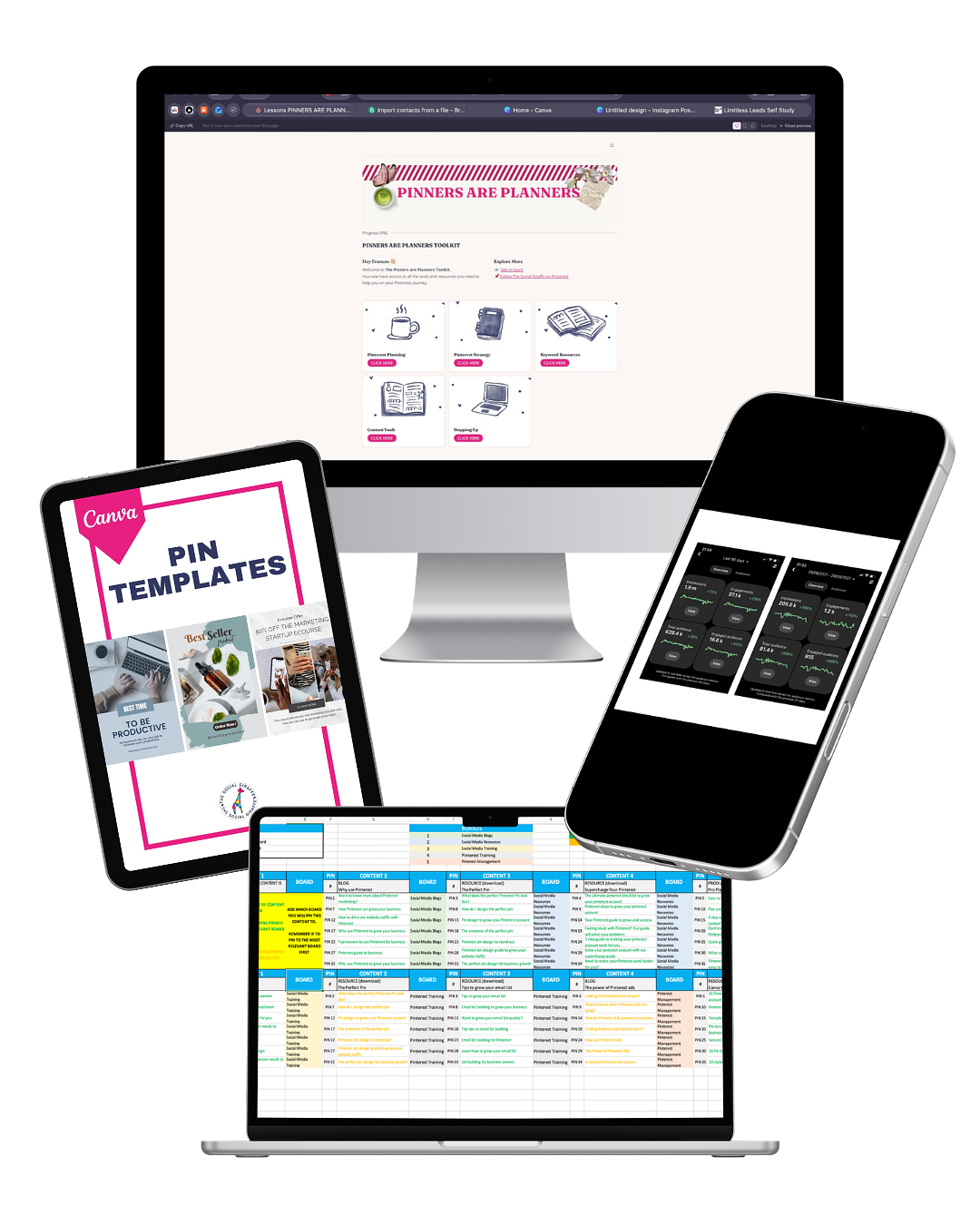
Your planner, calendar, trackers, strategy template and Canva templates are all ready to make your own, giving you everything you need to plan your content, find your keywords and see what's working.

Then there's the Stepping Up planner, which takes things to another level. It's The Social Giraffe's top strategy for getting maximum results, keeping your content fresh and making sure all of it gets promoted, so you're no longer stuck sharing the same three posts on repeat.
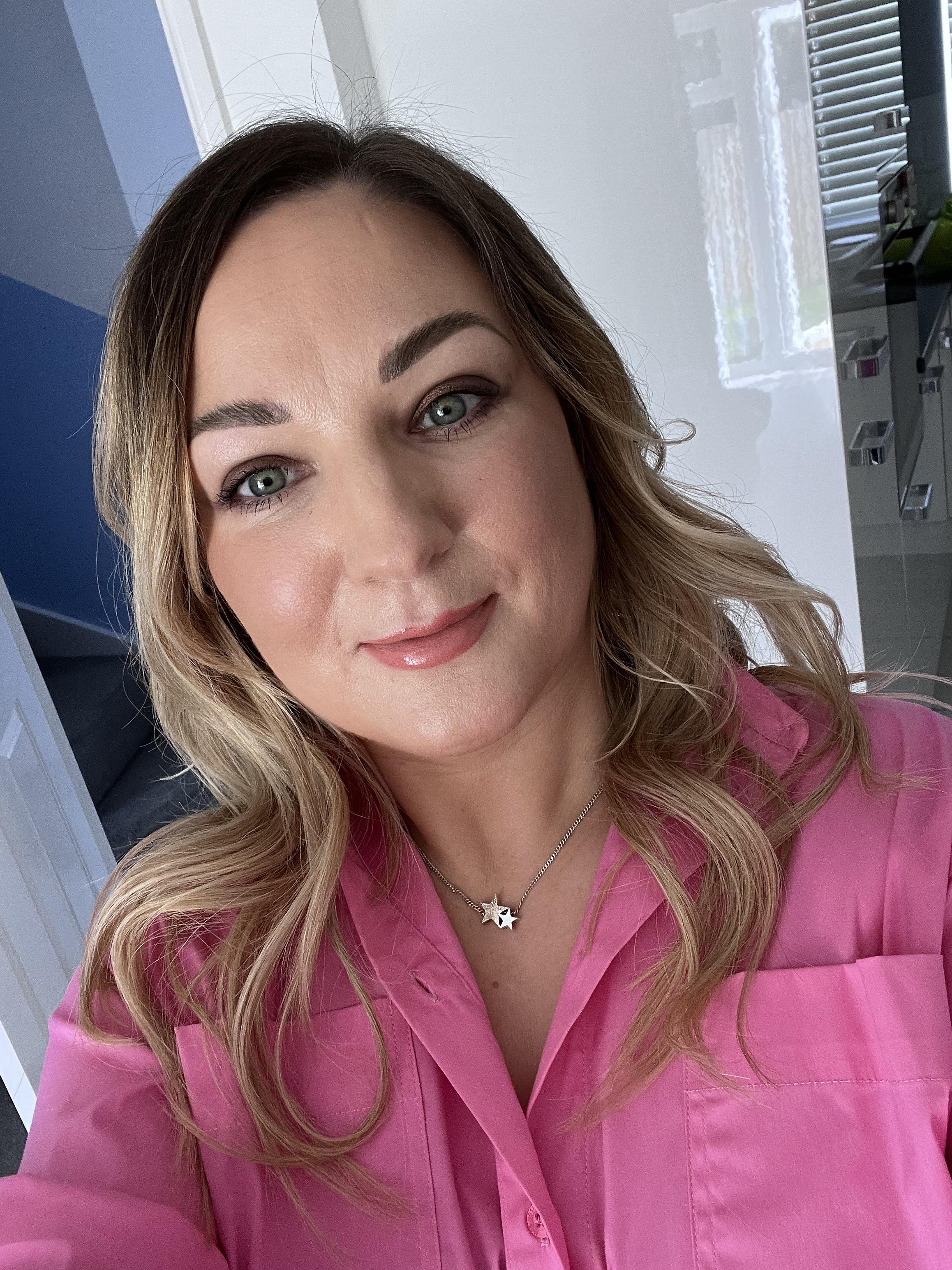
Meet Fran

Hi, I'm Fran 👋🏼

I run The Social Giraffe Pinterest Agency and Training Academy.


When I first switched from being an Instagram social media manager to Pinterest, I thought it would be easy. Same creative skills, same audience vibes, right? Turns out Pinterest is a whole different beast. It took time to figure out the strategy, the pin design and the timing, and at first it felt like I was doing all the work and not moving forward.


After a bit of trial and error, I found a rhythm, streamlined my process and started seeing real growth and traffic for my clients without burning out. The Toolkit is built from everything I learned along the way.

Is this for you?

The Toolkit is for you if…

  • You know Pinterest could bring you traffic, but you don't have time to work it all out from scratch
  • You've tried pinning before, but it felt random and you never knew what was working
  • You manage Pinterest for clients and want a strategy template you can use again and again
  • You'd rather spend one afternoon planning than every morning wondering what to pin

FAQ

Your questions, answered

Do I need to be a Pinterest expert?
Not at all. The Toolkit walks you through each step, from optimising your account to finding your first 50 keywords.
How do I get it, and how long do I have it?
You get instant access as soon as you've paid, and you'll have it for at least 12 months.
Where should I start?
Get your foundations in place first. Make sure your account is set up and optimised (the account checklist will help), claim your website and add the Pinterest tag so you can track your traffic, and tidy up your boards so they're relevant to your niche. Take your time. Getting this right now will save you time later.
I've tried Pinterest before and it didn't work. Will this help?
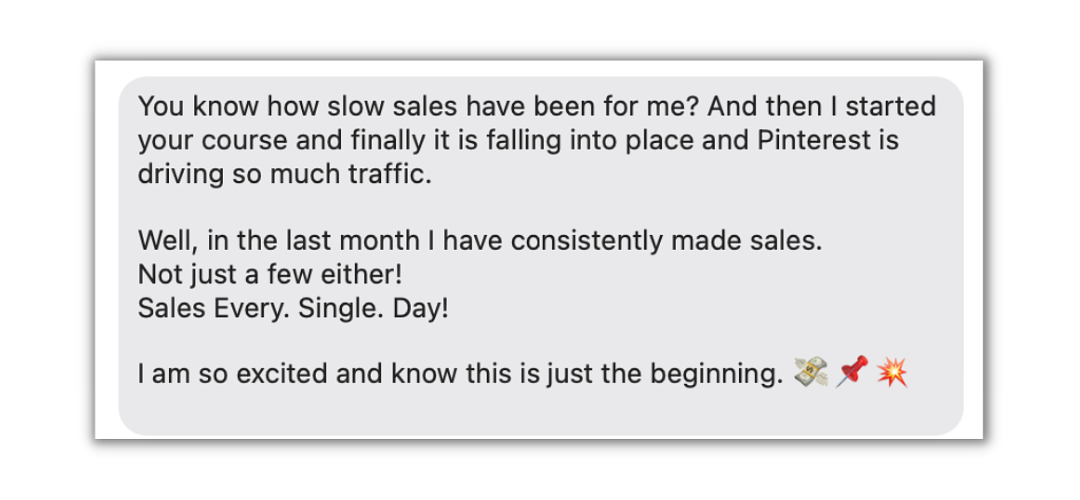
Don't give up too soon! Growth and viral pins don't happen overnight, and copying what worked for someone else without a strategy can leave you frustrated and burnt out. The Toolkit gives you a plan to stick to, so you can stay consistent and trust the process.
What do I need to use it?
A Pinterest business account. The templates are documents and spreadsheets you copy and make your own, and the planner works in a note-taking app like Goodnotes or Noteshelf.
Does it cover Pinterest ads?
The data tracking sheet works for organic and paid campaigns, and the keyword guide explains how keywords work for ads. If you want to set up and run ads properly, that's what Supercharge Your Pinterest: Ads is for.
Can I use it for my clients?
Yes. The strategy template works for your own business or for clients if you offer Pinterest services.

Ready to plan once and let it work?

Everything you need to plan your Pinterest, for £27

One payment, and it's all yours to make your own.